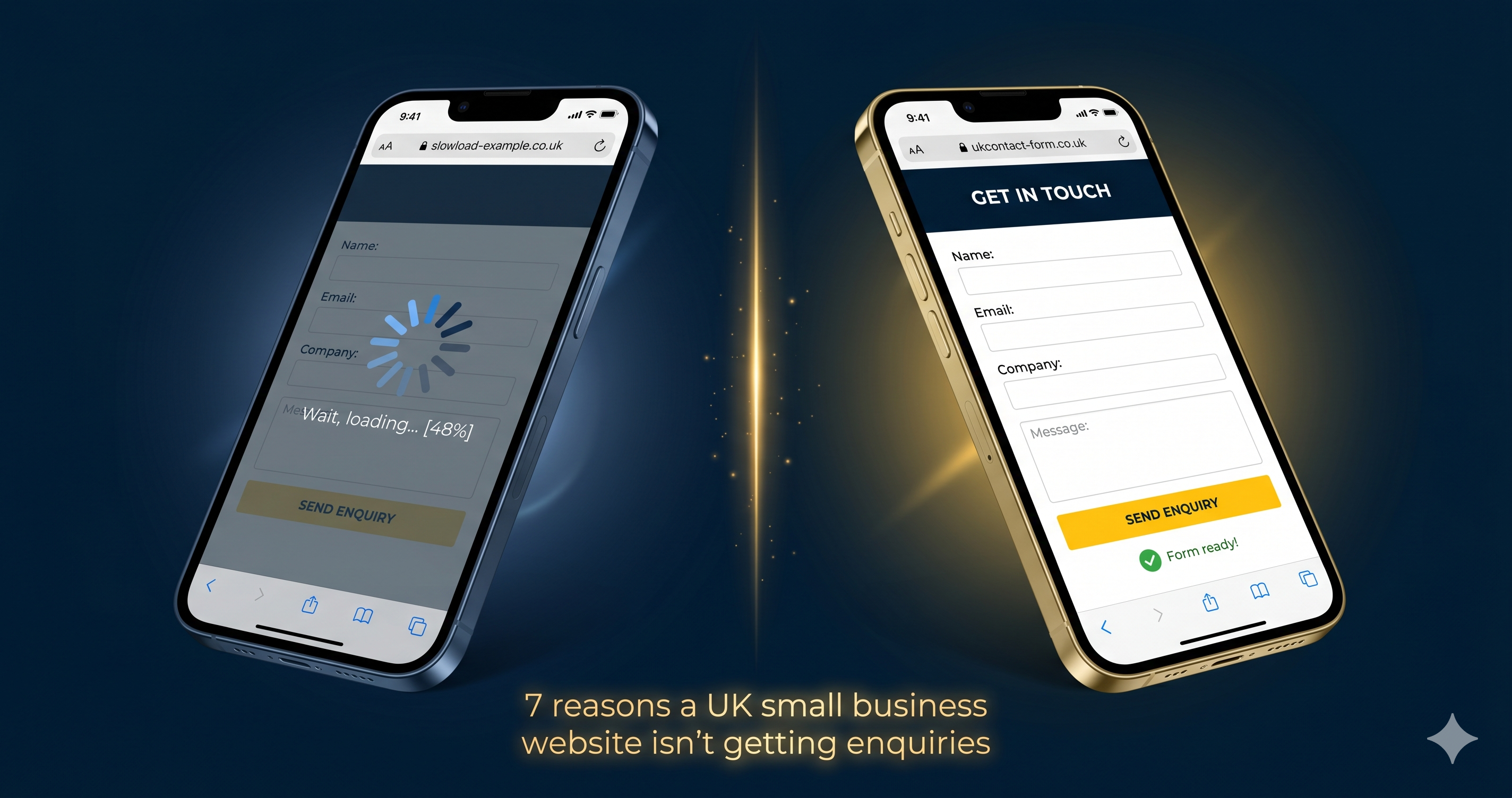
Your website gets visitors. Some of them are genuinely interested in what you offer. But most leave without getting in touch. This is one of the most common frustrations UK small business owners bring to us, and the causes are almost always specific and fixable without a complete redesign.
What you will get from this
- The 7 most common reasons UK small business websites fail to generate enquiries
- A specific, actionable fix for each problem
- Why most website issues have nothing to do with design
- What your contact form might be doing wrong
- How to check your site speed in 60 seconds for free
- The trust signals that most reliably turn visitors into customers
In this article
Reason 1: Your Page Takes Too Long to Load
53% of mobile users abandon a website that takes more than 3 seconds to load. Not 10 seconds. Not 5. Three. Most small business websites take between 5 and 9 seconds to load on mobile, which means more than half your potential customers are leaving before they have read a single word.
Speed is also a Google ranking factor. A slow site gets penalised twice: it loses visitors before they arrive and it ranks lower in search results, reducing the traffic it receives in the first place.
How to check your speed right now
Go to pagespeed.web.dev and paste in your URL. Google gives you a score out of 100 for both mobile and desktop. Anything below 50 on mobile is actively costing you enquiries.
The fix is usually straightforward. Images are the biggest culprit on most small business websites. Compress every image before uploading using a free tool like TinyPNG. Ask your web developer to enable browser caching and minify your CSS and JavaScript files. If your site runs on WordPress, a caching plugin like WP Rocket can halve your load time.
The free 16-point website audit checks your page speed alongside 15 other factors and tells you in plain English where the problems are.
Reason 2: Visitors Can't Tell What You Do in 5 Seconds
When someone lands on your homepage, they decide within 5 seconds whether to stay or leave. Either they understand what you do and who it is for, or they go back to Google and click the next result.
Test this yourself. Show your homepage to someone who has never seen it. Give them 5 seconds, then ask: "What does this business do? Who is it for? What should I do next?" If they cannot answer all three, your messaging is the problem, not your design.
The most common version of this mistake
Homepage headlines that say "Welcome to [Business Name]" or "Quality, Reliability, Excellence" tell the visitor nothing useful. They are filler that pushes the actual information further down the page, where most people never scroll.
Rewrite your H1 to answer one clear question in one sentence. Who you help, what you do, and where. "We fit kitchens across Manchester. Fast, fully fitted, and guaranteed." That beats "Creating Beautiful Spaces Since 2009" every time. Test two versions if you can. The one that generates more enquiries is the right one, regardless of which you personally prefer.
Reason 3: You Have No Trust Signals Above the Fold
"Above the fold" means everything visible before the visitor scrolls. This is the most valuable space on your website. Most business owners fill it with a large decorative image and a tagline. Few use it to immediately answer the question every new visitor is silently asking: "Can I trust this business?"
People do not buy from strangers. They buy from businesses they believe are credible, experienced, and safe to deal with. Your job is to demonstrate all three within the first few seconds of someone arriving on your site.
Trust signals that actually move the needle
- Your Google review score with star rating and number of reviews
- Industry accreditations or trade body memberships (Gas Safe, NICEIC, FCA, etc.)
- A specific number: "Trusted by 400+ local businesses" or "12 years serving Yorkshire"
- A real photo of your team or founder, not stock imagery
- An "As featured in" strip if you have had local or trade press coverage
Get at least two of these above the fold. One genuine testimonial with a name, photo, and specific result is worth more than three paragraphs of copy about how great your service is.
Want to know exactly which of these problems your site has?
The free 16-point audit checks your site in 10 seconds. It shows you the specific issues holding back your enquiries, in plain English with no jargon.
Run My Free AuditReason 4: Your Calls to Action Are Vague or Hidden
A call to action tells your visitor what to do next. Without one, most people do nothing. They read your content, think "that looks useful," and close the tab without making contact.
This is not because they were not interested. It is because you did not make the next step obvious.
The most common CTA mistakes
- Using "Submit" as a form button (nobody wants to submit anything)
- Having one contact link buried in the navigation bar at the top
- Making the CTA button the same colour as the background or text
- Using the same vague CTA on every page: "Get in Touch" or "Contact Us"
Every page on your site needs at least one specific, visible CTA button. Use action verbs tied to the outcome: "Get a Free Quote," "Book a 15-Minute Call," "See Pricing," or "Download the Guide." Put the button above the fold so visitors see it without scrolling. If you change nothing else on your site today, change your CTA buttons. It is the fastest, cheapest improvement with the most direct impact on enquiries.
See How Small CTA Changes Drive Big Results
This video breaks down the specific website changes that have the biggest impact on how many visitors actually get in touch. Worth 10 minutes of your time if you want to understand the conversion basics.
Reason 5: The Site Doesn't Work Properly on Mobile
Over 60% of UK web traffic now comes from mobile devices. If your site was built more than 5 years ago, it was likely designed for desktop. On a phone it may show tiny text, broken layouts, or buttons too small to tap accurately.
Google uses the mobile version of your site, not the desktop version, to decide where to rank you. A poor mobile experience hurts your ranking and your conversion rate at exactly the same time.
How to check and what to fix
Search Google for "Mobile-Friendly Test" and paste in your URL. It will tell you immediately whether Google considers your site mobile-friendly.
The most common mobile problems are easy to fix once you know they exist. Text too small to read without pinching in: set your minimum body font size to 16px. Buttons too close together: add at least 8px of padding between tappable elements. Phone numbers that are not clickable: wrap them in a tel: link so tapping dials immediately. Full-screen pop-ups: Google penalises these on mobile and they drive visitors away.
If your site fails the mobile test, raise it with your web developer this week. This is not an optional improvement in 2026. It is a basic requirement for appearing in Google and converting the visitors who arrive.
Reason 6: Google Cannot Find You for the Right Searches
Getting a website live is not the same as getting found. If no one searches for the phrases your site is targeting, no one visits. And if no one visits, no one enquires.
This problem splits into two parts: local visibility and on-page SEO.
Local visibility
If you serve a specific area, your Google Business Profile is often more important than your website for driving the first enquiry. Most local searches surface the Map Pack results before anything else. If your profile is incomplete or unoptimised, you are invisible in those results. Our step-by-step guide to Google Business Profile optimisation covers every section of your profile and explains exactly what to fix first.
On-page SEO
Each page on your site should target a specific search phrase. Your homepage might target "plumber in Leeds." A service page might target "boiler repair Leeds." If you have not done this work, Google does not know what your pages are about and will not rank them for the searches that matter.
A quick check: search Google for your main service plus your town. If your website does not appear on the first two pages, you have a visibility gap. The free audit will identify the specific SEO issues in 10 seconds.
Find out exactly what is stopping your site from ranking and converting
The free audit runs 16 checks on your site and shows you a prioritised list of what to fix. No sign-up needed. Results in 10 seconds.
Scan My Website FreeReason 7: Your Contact Form Asks Too Much
Every extra field on a contact form reduces the number of people who complete it. Reducing a form from 11 fields to 4 can more than double the completion rate. Yet most small business websites have long forms demanding company name, company size, budget range, and how the visitor heard about you, all before you have said a single word to them.
Think about what you are actually asking someone to do. They found your site 2 minutes ago. They do not know you yet. Asking for 10 pieces of information at that stage creates friction that most people will not push through, even if they were genuinely interested in buying.
The fix
Cut your first-contact form to 3 fields: name, phone or email, and a brief message. That is it. You will collect everything else when you speak to them. This single change has been shown to increase form completions by over 100% on service business websites.
Also check where your form lives on the page. If visitors have to scroll to the bottom of a long page to find it, most will not bother. Put a short contact form or a click-to-call button on every service page, not just a dedicated contact page. Make it impossible to miss. You can also sign up for free SEO tips to get more practical advice like this sent directly to you.
Common Questions About Getting More Website Enquiries
Why does my website get traffic but no enquiries?
Traffic without enquiries usually points to one of two issues: either the visitors arriving are not the right audience (a targeting problem) or your site is not persuading them to act (a conversion problem). Check your analytics to see which pages have the highest bounce rate. That is usually where the problem is concentrated.
How long does it take to fix a website that isn't getting enquiries?
Simple changes like updating your CTA buttons, adding trust signals, and compressing images can be done in a single afternoon and show results within days. Larger changes like restructuring your service pages take a week or two. SEO improvements typically take 2 to 4 months to show in your Google rankings.
Do I need to rebuild my website to fix these problems?
Rarely. The issues that stop most websites from generating enquiries are fixable without a redesign. Targeted changes to your headline, CTA, trust signals, and contact form can make a significant difference quickly. A full rebuild is only worth considering if your site is more than 7 years old and built on technology that cannot be updated easily.
What is a good conversion rate for a UK small business website?
Most service business websites convert between 1% and 3% of visitors into enquiries. A well-optimised service page with a strong CTA and visible trust signals can reach 5% or higher. If your rate is below 1%, the issues covered in this article are almost certainly the cause.
Which of these 7 reasons is the most common?
Slow page speed and unclear messaging are the two we see most often. Most small business websites have both. The free audit at the top of this page will tell you which specific issues your site has, ranked by how much they are likely costing you in missed enquiries.
How do I know which problem is hurting my site the most?
Run the free 16-point website audit. It checks your site speed, mobile performance, on-page SEO, and 13 other factors in 10 seconds. The results show you exactly where your biggest gaps are, ranked by priority, so you know what to fix first.
Written by The Catalyst Method
We help UK small business owners get more enquiries from Google through practical SEO and lead generation advice. For more guides like this, visit the blog or run the free audit from the homepage to see exactly where your site stands right now.