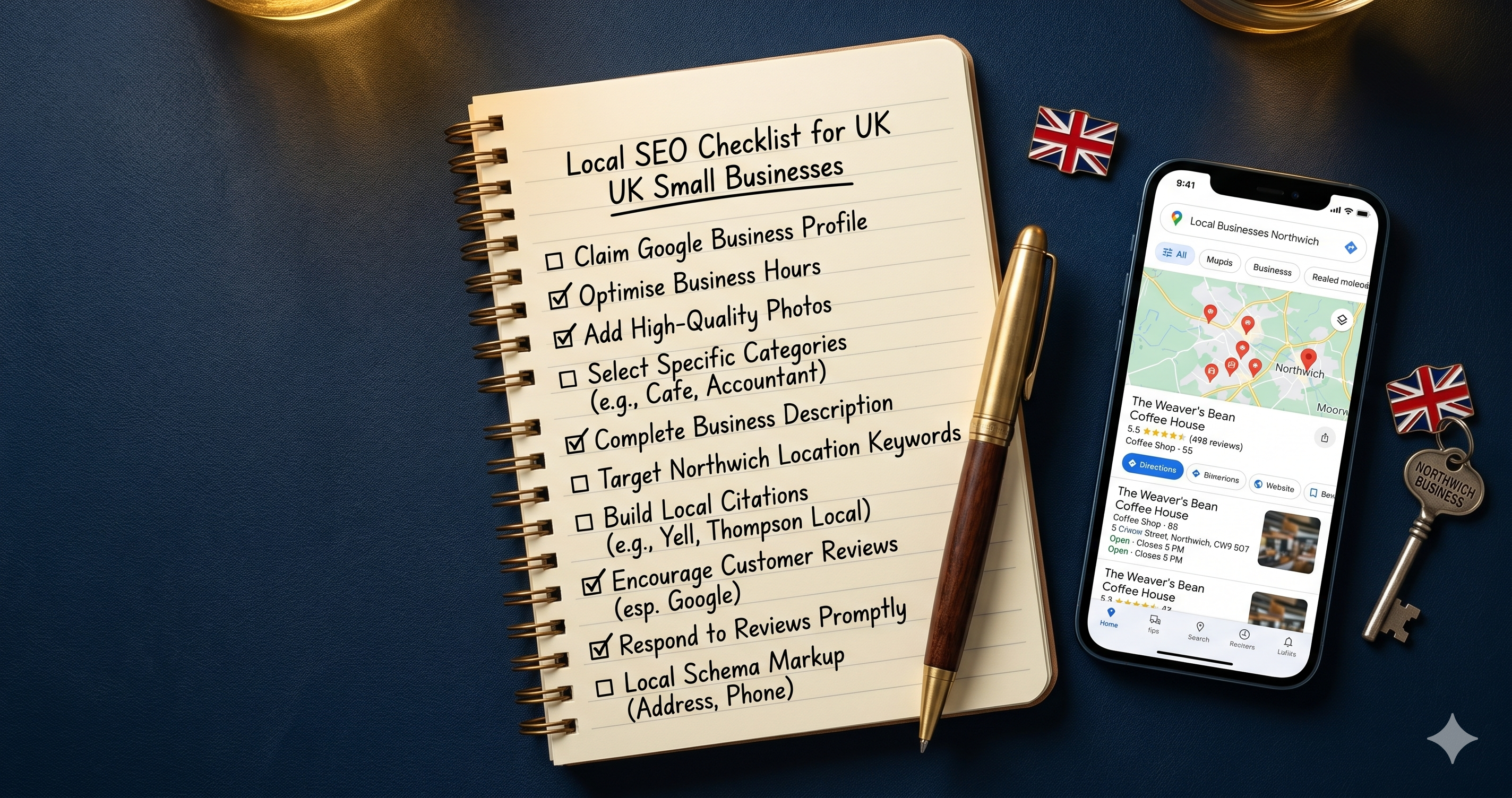
Local SEO is not complicated. Most businesses that dominate the Google Map Pack do so because they consistently do 12 simple things that their competitors ignore. This checklist covers every one of them. Work through it once, then set a monthly reminder to repeat the checks marked as ongoing.
What you will get from this
- The 12 local SEO checks that most directly affect your Map Pack ranking
- How to complete each check yourself without any technical knowledge
- Which checks are one-off tasks and which need doing monthly
- Why consistent small actions beat sporadic big campaigns
- How to connect your GBP, website, and directory listings into one coherent strategy
In this article
Before you start: 46% of all Google searches have local intent, and 76% of people who search locally on their phone visit a business within 24 hours. Getting these 12 checks right is the most direct route to more enquiries from Google, without spending a penny on ads.
Section A: Your Google Business Profile
Your Google Business Profile is the engine of your local SEO. It powers the Map Pack, the AI overview answers, and your visibility on Google Maps. Four of the 12 checks live here because this is where most small businesses leave the most ranking potential on the table.
Check 1: Your Profile Is Claimed, Verified and 100% Complete One-off
Go to business.google.com. If your listing is unclaimed, claim it now and complete the verification process. An unverified profile cannot rank in the Map Pack.
Once verified, fill in every single field: business name, address or service area, phone number, website, opening hours (including bank holidays), and business description. Google's own data shows that complete profiles are twice as likely to be considered reputable by potential customers.
For a step-by-step walkthrough of every field, including how to write your description and which categories to choose, read our full Google Business Profile optimisation guide.
Check 2: Your Primary Category Is as Specific as Possible One-off
Your primary category is the single most important field on your profile. It tells Google what type of business you are and determines which searches you appear in. Do not pick a broad category when a specific one exists.
Search Google for your main service plus your town. Look at the primary categories your top 3 competitors are using. If a more specific option than yours is available, switch to it. Also add up to 9 secondary categories to cover your additional services.
Check 3: You Are Publishing at Least One Google Post Per Week Monthly
Google Posts appear directly on your listing in search results. Businesses that post regularly get a consistent ranking boost because Google reads posting frequency as a signal of an active, well-managed business.
Post at least once a week. Offers, updates, and event announcements all work well. Keep each post between 150 and 300 words and use one clear call to action per post. Each post expires after 7 days, which is why consistency matters more than any individual post.
Check 4: You Are Uploading at Least 5 New Photos Every Month Monthly
Google's data shows businesses with more than 100 photos receive 42% more direction requests and 35% more website clicks than those with fewer than 10. Photo frequency is also a ranking signal. Regular uploads signal activity. A static photo gallery that has not changed in 12 months signals the opposite.
Upload exterior shots, interior shots, team photos, and work or product photos. At minimum, add 5 new photos every month. This takes 10 minutes and is one of the most impactful ongoing tasks on this entire list.
Want to see how your site scores right now?
The free 16-point audit checks your website in 10 seconds and shows you exactly what is holding back your local rankings. No sign-up needed.
Run My Free AuditSection B: Your Website
Your Google Business Profile and your website work together. A strong GBP drives visitors to your site. A strong website converts those visitors into enquiries. Weaknesses on either side cost you customers. These four checks cover the website factors that affect your local ranking directly.
Check 5: Your Site Loads in Under 3 Seconds on Mobile One-off, then quarterly
Go to pagespeed.web.dev and test your URL. Google scores you out of 100 for mobile performance. Anything below 50 is a problem. Page speed is a confirmed Google ranking factor and a direct conversion killer: 53% of mobile users abandon pages that take more than 3 seconds to load.
The most common fix is image compression. Use TinyPNG to reduce your image file sizes before uploading them. Ask your developer to enable caching and minify your CSS and JavaScript. If your site runs on WordPress, WP Rocket or a similar caching plugin can make an immediate difference. Re-check your score every quarter.
Check 6: Your Site Passes Google's Mobile-Friendly Test One-off
Search Google for "Mobile-Friendly Test" and paste in your URL. Google will tell you immediately whether your site meets its mobile standards. If it fails, this is urgent. Google uses the mobile version of your site to determine your ranking. A site that fails the mobile test is penalised in both local and organic results.
If your site is more than 5 years old and fails this test, speak to your developer about a responsive rebuild. Over 60% of UK web traffic now comes from mobile devices. A site that does not work on a phone is turning away the majority of your potential customers. The free website audit also checks mobile performance as part of its 16-point scan.
Check 7: Each Service Page Targets One Specific Local Keyword One-off
Each page on your website should be built around one specific search phrase. Your homepage might target "plumber in Manchester." A service page should target something more specific: "boiler repair Manchester" or "bathroom fitting Manchester." If multiple pages target the same phrase, they compete against each other and both rank lower.
To check this: open each key page on your site and ask, "What is the one search phrase this page is designed to rank for?" If you cannot answer that question, the page does not have a target keyword and needs one. Include the target phrase in your page title, H1 heading, first paragraph, and at least one subheading.
Check 8: Your Homepage Has Local Business Schema Markup One-off
Schema markup is code that tells Google exactly what type of business you are, where you are located, what your hours are, and how to contact you. It is invisible to visitors but gives Google a direct, unambiguous signal about your business. Most small business websites do not have it.
To check if yours does: go to search.google.com/test/rich-results and test your homepage URL. If it returns no structured data results, ask your developer to add LocalBusiness schema. This is typically a 30-minute task for a developer and can improve how your site appears in both the Map Pack and AI Overviews.
See the Full Local SEO Picture in One Walkthrough
This video covers the core local SEO actions for small businesses in a clear, visual format. Useful if you want to see how the individual checks connect into a full strategy.
Section C: Reviews and Reputation
Reviews are one of the three core local ranking factors alongside relevance and distance. In 2026, Google's algorithm weighs not just how many reviews you have, but how frequently you receive them and how you respond. These two checks cover the review strategy that most UK small businesses are missing.
Check 9: You Have a Repeatable System for Asking Customers for Reviews Monthly
Review velocity, how often you receive new reviews, is now one of the strongest local ranking signals. A business with 4.2 stars and 200 recent reviews will often outrank a competitor with 4.9 stars and 15 reviews that were all posted two years ago. Momentum matters to Google.
Set up a repeatable ask. Create a direct review link from your GBP dashboard. Put it in your email signature, your invoices, your WhatsApp messages after a job, and a QR code on your receipts. After every positive interaction, send the link with a short message: "Really glad that went well. Would you mind leaving us a quick Google review? It really helps." That is the entire system. Consistent execution is what makes it work.
Check 10: You Are Responding to Every Review Within 48 Hours Monthly
Responding to reviews is now an active ranking signal. Google treats consistent engagement with your listing, including review responses, as a sign of a well-managed business. Silence reads as neglect.
Reply to every review within 48 hours. For positive reviews, a brief, genuine thank you is enough. For negative reviews, stay calm, acknowledge the issue, and explain what you are doing about it. Other potential customers read your responses as carefully as the reviews themselves. One well-handled complaint demonstrates more professionalism than 10 glowing reviews. For specific advice on building reviews without breaking Google's rules, see our guide on fixing the common reasons websites fail to convert.
Find out which of these 12 checks your site is failing right now
The free 16-point audit scans your website in 10 seconds and gives you a prioritised list of what to fix first. No sign-up, no cost.
Scan My Website FreeSection D: Citations and Local Authority
Citations are mentions of your business name, address, and phone number on other websites. They tell Google that your business is real, established, and located where you say it is. These two checks cover the citation work that has the most direct impact on your local ranking.
Check 11: Your NAP Details Are Identical Across Every Directory One-off, then annually
NAP stands for name, address, and phone number. These three details must be identical across every platform your business appears on. Not similar. Identical. "Ltd" and "Limited," "Street" and "St," two different phone number formats. All of these count as inconsistencies. Research shows a business with 50 accurate, consistent citations typically outranks competitors with 200 scattered listings containing errors.
Check your listing on each of these platforms and correct any discrepancies: Google Business Profile, Bing Places, Apple Maps, Yell, Thomson Local, Facebook, and your own website footer. This is a one-off task but worth repeating annually, especially if you have moved premises or changed your phone number.
Check 12: You Are Building at Least One Local Backlink Per Month Monthly
A backlink is a link from another website to yours. For local SEO, links from locally relevant and industry-relevant sources carry the most weight. One mention from a respected local news site or trade organisation can outperform dozens of generic directory links.
You do not need to build hundreds of backlinks. One solid local link per month adds up to 12 per year, which is enough to build meaningful authority for most small business websites. Practical ways to earn local backlinks include sponsoring a local event or sports team, joining your local Chamber of Commerce, asking suppliers or business partners to link to you, and contributing a quote or case study to a local news article. For more practical local SEO and lead generation advice, visit the full blog or sign up for free tips sent directly to your inbox.
Common Questions About Local SEO for Small Businesses
How long does local SEO take to work?
Google Business Profile improvements can show results within 2 to 4 weeks. On-page website changes typically take 2 to 3 months to appear in rankings. Citation building and backlink acquisition usually take 3 to 6 months to produce visible ranking movement. The checks that need doing monthly, like photos, posts, and review requests, compound over time. The businesses that show up most consistently are the ones that have been doing these small tasks for 6 months or more.
Do I need to pay for local SEO tools?
No. All 12 checks on this list can be completed using free tools. Google Business Profile, PageSpeed Insights, Google's Mobile-Friendly Test, and Google's Rich Results Test are all free. Paid tools like BrightLocal or Semrush are useful for monitoring and reporting at scale, but they are not necessary for getting the basics right.
What is the fastest way to improve my local ranking?
Completing your Google Business Profile and fixing your primary category usually produces the fastest visible improvement. After that, getting 5 to 10 new reviews in a short period can move you up the Map Pack quickly. These two actions, done well, will outperform most other tactics in the first 30 days.
How many directories should my business be listed in?
Quality and consistency matter more than quantity. Start with the 7 essential UK directories: Google Business Profile, Bing Places, Apple Maps, Yell, Thomson Local, Facebook, and your local Chamber of Commerce. Get these right before submitting to smaller directories. Research shows a business with 50 accurate citations typically outranks competitors with 200 inconsistent listings.
Is local SEO different from regular SEO?
Yes. Regular SEO focuses on ranking in organic search results nationally or globally. Local SEO focuses on appearing in the Google Map Pack and local search results for searches that include a location or show local intent. Local SEO involves additional signals that do not apply to national SEO: Google Business Profile, NAP consistency, local citations, and review velocity.
Where should I start if I can only do one thing today?
Run the free 16-point website audit. It identifies which of your biggest issues to tackle first, based on what is actually wrong with your site right now. Starting with a clear picture of your current position is always better than guessing which check matters most.
Written by The Catalyst Method
We help UK small business owners get more enquiries from Google through practical SEO and lead generation advice. For more guides like this, visit the blog, or run the free audit from the homepage to see exactly where your site stands today.