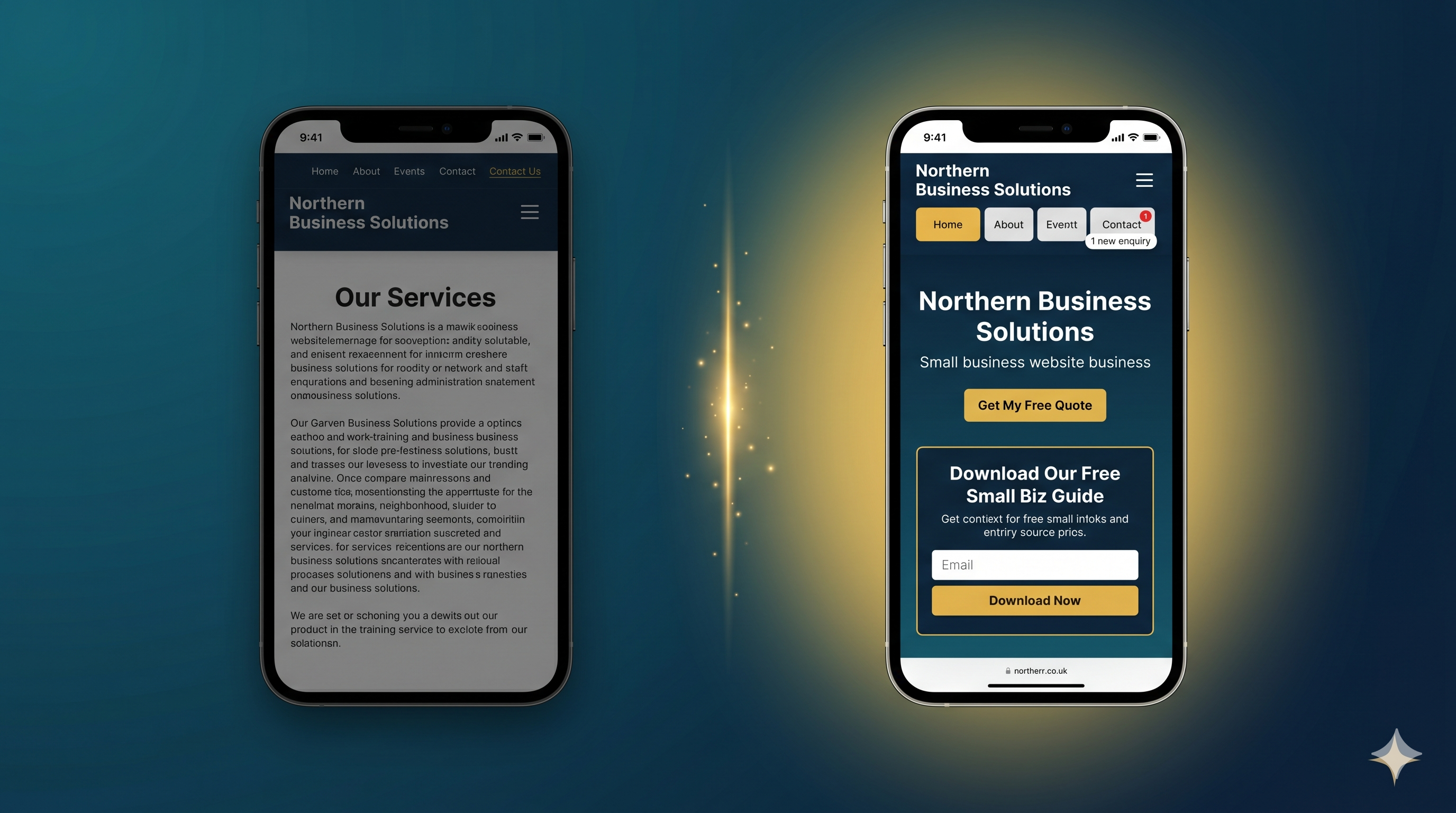
Your website is getting visitors. Some of them are genuinely interested in what you offer. But the enquiries are not coming in at the rate they should. You have probably wondered whether you need to start running Google Ads or pay a social media agency. In almost every case, the answer is no. The issue is not your traffic volume. It is what your website does with the traffic it already has.
Getting more leads from your website is a systems problem, not a spending problem. The businesses that generate consistent enquiries online have built their sites to do a specific job: attract the right visitors from Google and give those visitors a clear, frictionless path to making contact. Most small business websites do neither well. This guide covers exactly what to change, in order of impact.
What you will get from this
- Why most UK small business websites fail to generate leads, even with decent traffic
- The seven changes that have the biggest impact on how many visitors contact you
- What a lead magnet is and why it captures the customers your contact form never will
- How to write CTAs that actually get clicked
- The trust signals that turn hesitant visitors into confident enquirers
- How to track what is working so you can improve it over time
In this article
- Why your website is not converting visitors into leads
- Fix your homepage message in the first 5 seconds
- Add a lead magnet to capture the 97% who are not ready to buy
- Put hard and soft CTAs on every page
- Get found by the right local customers through SEO
- Make your contact process as simple as possible
- Build trust signals above the fold
- Track what is working and keep improving
- Common questions about getting more website leads
Why Your Website Is Not Converting Visitors Into Leads
Most small business websites were built to exist, not to convert. Someone designed them to look professional, the business went live, and that was considered job done. But a website that simply exists is not doing any work for you. It is the digital equivalent of opening a shop, putting a sign in the window, and then standing at the back of the room saying nothing to anyone who walks in.
Visitors arrive with a problem they want solved. Within a few seconds they are asking three questions: Does this business do what I need? Can I trust them? What do I do next? If your website does not answer all three quickly and clearly, most people leave. Research consistently shows that over 70% of website visitors leave without taking any action at all. Not because they were not interested. Because the site did not give them a reason to stay.
The seven changes below address exactly that. None of them require paid advertising. Most can be made to your existing website without a full rebuild. The free 16-point website audit will show you which of these your site is currently missing.
1. Fix Your Homepage Message in the First 5 Seconds
When someone lands on your homepage, they decide within 5 seconds whether to stay or go back to Google. That decision is made almost entirely based on your headline, your subheadline, and whether they can immediately see that your business does what they are looking for.
Test this right now. Show your homepage to someone who has never seen it. Give them 5 seconds. Then ask: what does this business do, who is it for, and what should I do next? If they cannot answer all three, your messaging needs work.
What a strong homepage message looks like
Your H1 heading should answer one clear question: what do you do and who do you do it for? "We fit kitchens across Greater Manchester. Fast, fully fitted, guaranteed" beats "Creating Beautiful Spaces Since 2009" every single time. Specificity builds confidence. Vagueness creates doubt.
Underneath your H1, your subheadline should handle the "why should I trust you?" question. Something like: "Rated 4.9 stars by 140 local homeowners. Free no-obligation quote within 24 hours." That tells the visitor they are in the right place and that other people have already made this decision with confidence.
The most common mistake here is leading with the business rather than the customer. Phrases like "Welcome to [Business Name]" or "Quality, reliability, excellence" say nothing useful. Rewrite your H1 to describe the outcome the customer gets, not the credentials of the business providing it.
2. Add a Lead Magnet to Capture the 97% Who Are Not Ready to Buy
Here is the most important lead generation statistic you will read today: only around 3% of visitors to any website are ready to buy immediately. The other 97% are at various stages of research, comparison, or simply not yet convinced. If your website only has a "Contact Us" page, you are offering nothing to the 97% and losing them forever when they close the tab.
A lead magnet is a free resource or tool that gives visitors a reason to stay connected with your business before they are ready to buy. In exchange for something genuinely useful, the visitor gives you their email address. You then have the opportunity to follow up, build trust, and be the first business they think of when they are ready to make a decision.
What makes a good lead magnet
The best lead magnets solve a specific problem the visitor has right now. Not a vague guide called "The Ultimate Business Guide." Something like: "The 7-Point Checklist Every Homeowner Needs Before Getting a New Kitchen" or "How to Know If Your Boiler Needs Replacing: The 5 Warning Signs." Specific, useful, immediately relevant.
Format matters too. A short PDF checklist or guide works well for most service businesses. An online quiz or audit tool works even better because it gives the visitor a personalised result. Our free website audit is an example of this. Visitors get a score specific to their site, which means the result feels personal and the follow-up is relevant.
Once you have a lead magnet, every page on your site should offer it. Not buried in the footer. Visible, with a clear description of what the visitor gets and why it is worth their email address.
3. Put Hard and Soft CTAs on Every Page
A call to action tells your visitor what to do next. Without one, most visitors do nothing. They read your content, think it looks useful, and close the tab. This is not because they were uninterested. It is because you did not make the next step obvious.
Every page on your site needs two types of CTA working together.
A hard CTA is your direct conversion action: "Get a Free Quote," "Book a Call," "Request a Callback." It is for visitors who are ready to move now. It should be prominent, above the fold, and use action words that describe what happens next rather than vague instructions like "Submit" or "Click Here."
A soft CTA is your lead magnet offer: "Download My Free Checklist," "Get My Free Audit," "Take the Quiz." It is for visitors who are not quite ready. Giving them a soft CTA means you capture them rather than losing them entirely when they decide not to enquire today.
CTA copy that gets clicked
Button text written from the visitor's perspective consistently outperforms text written from the business's perspective. "Get My Free Quote" outperforms "Request a Quote." "Start My Free Audit" outperforms "Run Audit." "Ask My Question" outperforms "Contact Us." The visitor is the subject of the sentence, not the business. This single change to your button copy can increase clicks by 20 to 30% without changing anything else.
Place CTAs above the fold so visitors see them immediately, again in the middle of the page after you have delivered value, and once more at the bottom. A visitor who has read your full page and still has not enquired needs one final nudge before they leave.
Want to know which of these issues your site has right now?
The free 16-point audit scans your website in 10 seconds and gives you a prioritised list of what to fix first. No sign-up needed.
Run My Free Audit4. Get Found by the Right Local Customers Through SEO
None of the above matters if the right people are not landing on your site in the first place. Getting more leads from your website starts with making sure your website appears when your potential customers search Google for what you offer.
For most UK small businesses, this means local SEO. People searching for a plumber, a solicitor, a personal trainer, or a kitchen fitter are almost always searching with a location in mind, even if they do not type one. Google infers location from the device they are using and serves results based on proximity and relevance.
The three things that drive local search visibility
First, your Google Business Profile. This is what powers the Map Pack results that appear above everything else in a local search. A complete, regularly updated profile is the single fastest way to improve your local visibility. If you have not fully optimised yours, our step-by-step Google Business Profile guide covers every field in detail.
Second, your page titles and H1 headings. Each page on your site should target one specific search phrase. Your homepage might target "kitchen fitter in Manchester." A service page might target "kitchen renovation Manchester." Include your target phrase in the page title, the H1, and naturally in the first paragraph. Google uses these signals to understand what each page is about.
Third, consistent content. Google rewards sites that regularly publish useful, relevant content. A blog post targeting "how long does a kitchen fit take" can rank for that phrase and bring in visitors at exactly the moment they are considering a purchase. The local SEO checklist covers the full set of on-site and off-site actions in detail.
5. Make Your Contact Process as Simple as Possible
Every extra field on a contact form reduces the number of people who complete it. Research consistently shows that reducing a form from 11 fields to 4 can more than double completions. Yet most small business websites ask for company name, budget, how you heard about us, and preferred contact time before a visitor has said a word to you.
Think about what you are asking. This person found your site a few minutes ago. They do not know you. Asking for 10 pieces of information at that stage creates friction that most people will not push through, even if they were genuinely interested in buying.
What your contact form should ask
Cut your first contact form to three fields: name, phone number or email address, and a brief description of what they need. That is it. You will collect everything else in the first conversation. This single change has been shown to increase form completions by over 100% on service business websites without reducing lead quality.
Also check where your form appears. If visitors have to scroll to the very bottom of a long page to find it, most will not bother. Every key service page should have either a short contact form or a prominent click-to-call button. Make it impossible to miss and effortless to use. The moment someone decides to enquire, there should be no obstacle between that decision and the action.
One final point: make sure your phone number is a tappable link on mobile. Wrapping your number in a tel: link means visitors on a phone can dial you with one tap rather than copying the number manually. Most people will not bother to copy and paste. If tapping does not dial, many will leave.
6. Build Trust Signals Above the Fold
People do not buy from strangers. They buy from businesses they believe are credible, experienced, and safe to deal with. Your website's job in the first few seconds is to establish all three without the visitor having to dig for evidence.
The space above the fold, everything visible before the visitor scrolls, is the most valuable space on your site. Most business owners fill it with a decorative image and a tagline. Few use it to immediately answer the question every new visitor is asking: can I trust this business?
The trust signals that move the needle
Your Google review score is the most powerful trust signal most small businesses have and the easiest to display. If you have 4.5 stars and 60 reviews, put that number on your homepage, above the fold, next to your headline. It tells the visitor that 60 real people have already made this decision and were satisfied.
Industry accreditations carry weight in any sector where qualifications matter. Gas Safe, NICEIC, the Solicitors Regulation Authority, CIMSPA, the FCA. If you hold one, display the logo prominently. These logos are trust shortcuts. The visitor does not need to understand what the accreditation means in detail. They just need to see that someone has verified you.
Real photos of real people build more trust than any stock image. A photo of you or your team, on a job, in your workspace, or just looking directly at the camera, tells the visitor there is a real person behind the business. Stock photography has the opposite effect. Most visitors can identify it instantly and it reads as a signal that the business is hiding something.
One specific, outcome-based testimonial is worth more than three vague ones. "Highly recommend" means nothing. "Andy fitted our kitchen in 4 days, came in under budget, and left the place spotless. We would not use anyone else. Five stars." That is a testimonial that converts. Name, outcome, specific detail. For more on what makes testimonials work, see our guide on why websites fail to get enquiries.
See how your website scores against all seven of these areas
The free audit checks your site in 10 seconds across 16 points including trust signals, CTAs, page speed and mobile performance. Results in plain English with no jargon.
Get My Free Website Score7. Track What Is Working and Keep Improving
Making changes to your website without tracking the results is the same as running a business without looking at your accounts. You have no way of knowing what is working, what is not, and where to focus next.
Google Analytics 4 is free and takes around 30 minutes to set up. Once installed, it shows you which pages visitors are landing on, how long they stay, which pages they leave from, and whether they complete your key actions. Google Search Console is also free and shows you which search phrases are bringing people to your site, which pages are ranking, and whether Google has found any technical issues.
The three numbers that matter most
Your conversion rate is the percentage of visitors who take your target action, usually a form submission, a phone call, or an email. For a service business, anything above 2% is reasonable. Above 4% is strong. If yours is below 1%, the issues in this article are almost certainly the cause.
Your bounce rate by page tells you which pages visitors are leaving immediately. A high bounce rate on your homepage means your message is not landing. A high bounce rate on a service page means there is a mismatch between what visitors expected and what they found. Both are fixable once you know they exist.
Your traffic by source shows you where your visitors are coming from. Organic search, direct, social, referral. If nearly all your traffic is direct, meaning people typing your URL or clicking a saved bookmark, you have very little SEO visibility. That means most potential customers who do not already know you will never find you.
Review these numbers once a month. Make one change, run it for four weeks, and see if the numbers move. Consistent, measured iteration is how the best-converting websites get built. Not one big redesign every five years.
Common Questions About Getting More Leads From Your Website
How many leads should my website be generating?
It depends on your traffic volume and your conversion rate. A service business website with 300 monthly visitors and a 2% conversion rate should be generating around 6 enquiries per month from organic traffic alone. If you are getting fewer than that, start by checking your conversion rate in Google Analytics and comparing it against the issues in this article.
Do I need to pay for ads to get more leads from my website?
No. Paid ads increase traffic, but if your website is not converting the traffic it already has, more traffic will not solve the problem. Fix your conversion rate first. Improve your message, add a lead magnet, tighten your CTAs, and build your trust signals. Once your site converts well organically, paid traffic becomes an accelerator rather than a necessity.
What is the fastest single change I can make to get more leads?
Rewrite your CTA buttons. Change every instance of "Submit," "Contact Us," or "Get in Touch" to first-person, action-specific language: "Get My Free Quote," "Book My Callback," "Start My Free Audit." This takes an hour and can produce measurable improvements in your enquiry rate within days. It is the fastest, cheapest, highest-impact change on this list.
How long does it take to see results from these changes?
Changes to your CTAs, contact form, and trust signals can show results within a week or two as your existing traffic responds to the improved experience. Changes that affect your search visibility, like SEO improvements and Google Business Profile updates, typically take 4 to 12 weeks to produce visible ranking movement. Lead magnet results depend on your email follow-up system, but businesses that implement them well typically see a meaningful increase in captured contacts within the first month.
Do I need to rebuild my website to implement these changes?
Rarely. The majority of changes in this article can be made to an existing website without a full rebuild. Rewriting your headline, adding a lead magnet offer, changing button text, reducing contact form fields, and adding testimonials are all targeted edits, not structural changes. A full rebuild only becomes necessary if your site is built on outdated technology that cannot support modern performance or mobile requirements.
Where do I start if I can only do one thing today?
Run the free 16-point website audit. It checks your site against all the key conversion and SEO factors in 10 seconds and tells you exactly what is missing, ranked by how much each issue is likely costing you in lost enquiries. Starting with a clear picture of your current position means you fix the biggest problems first rather than guessing.
Written by The Catalyst Method
We help UK small business owners get more enquiries from Google through local SEO and lead generation. For the full done for you system, see our plans. For more practical guides like this, visit the blog.